
Every drawing tablet question eventually comes down to one choice: do you want to draw on a pad and look at your monitor, or draw directly on a screen? Wacom, which has built pen tablets for more than 40 years, sells both, and its three main lines cover almost every budget. The Intuos is the cheap pad most people start on. The Intuos Pro is the professional pad redesigned in 2025. The Wacom One is a 14-inch screen you draw on. Here is how they compare, what you really get for the money and which Wacom to buy.
The quick answer
- Wacom One 14 ($299.95, $224.95 on sale at Wacom): the best choice for most beginners and hobbyists. You draw on a Full HD screen, which feels like paper and takes no getting used to.
- Intuos Pro Medium ($379.95, $299.95 on sale): for people who draw, retouch or edit for a living. Twice the pen pressure levels, tilt, a body as thin as 4 millimeters, a dial and ExpressKeys built around a keyboard.
- Intuos Small or Medium (from $39.95): the cheapest real Wacom. Perfect for students, note-taking and trying digital art before spending more.

The pen with no battery
The reason designers and illustrators still default to Wacom, even with cheaper rivals everywhere, is the pen. Wacom's pens use a technology called electromagnetic resonance: the tablet itself sends out a weak magnetic field that powers the pen and reads its position, pressure and tilt. So the pen has no battery, never needs charging and weighs almost nothing. Every model in this guide uses it.
The second thing to know is that tablets and pen displays are different tools. A pen tablet like the Intuos or Intuos Pro is a flat pad with no screen. You draw on the pad and watch the cursor on your monitor, the way you use a trackpad. It takes a few days to get used to, but it keeps your head up, your posture better and your desk clear. A pen display like the Wacom One is a monitor you draw on directly, which is instantly natural but takes more space and needs a compatible cable.
Side by side
| Wacom Intuos | Wacom Intuos Pro (2025) | Wacom One 14 | |
|---|---|---|---|
| Type | Pen tablet | Pen tablet | Pen display |
| Wacom price | Small $39.95, Small Bluetooth $79.95, Medium Bluetooth $129.95 | Small $249.95, Medium $379.95, Large $499.95 | $299.95 |
| Pen | Battery-free Pen 4K | Wacom Pro Pen 3 | Wacom One Pen |
| Pressure levels | 4,096 | 8,192 | 4,096 |
| Tilt | Not listed | Plus or minus 60 degrees | 60 degrees |
| Active area | Medium 216 x 135 mm | Small 187 x 105, Medium 263 x 148, Large 349 x 195 mm | 309 x 174 mm (14 in, 1920 x 1080 screen) |
| Thickness | 8.8 mm | 4 to 7 mm | 10 mm |
| Controls | 4 ExpressKeys | Small 5 keys and a dial, Medium and Large 10 keys and 2 dials | 2 pen buttons |
| Connection | USB, Bluetooth on some models | USB or Bluetooth | Single USB-C (DisplayPort Alt Mode needed) |
Specifications are from Wacom's official product pages and prices are regular prices on Wacom's US store in November 2026, before its current holiday discounts.
Wacom One 14: the easiest way to start
The Wacom One was redesigned around a bigger 14-inch IPS screen at Full HD, with the glass bonded directly to the panel so the pen tip and the line underneath it line up closely. Wacom rates the screen at 98 percent of the sRGB color range, which is good enough for illustration and casual photo editing, and gives it an anti-glare, anti-fingerprint coating that adds a little friction so the pen does not skate. It weighs 0.75 kilograms and is 10 millimeters thick, thin enough to slide into a backpack next to a laptop.
Two details make it more appealing than its price suggests. One USB-C cable carries power, video and pen data, as long as your computer's port supports DisplayPort Alt Mode, which most recent laptops do; older PCs need Wacom's converter. And it works with third-party pens built on Wacom's technology, from makers such as Staedtler and LAMY, so you can draw with a pen that feels like a pencil you already own. The trade-offs are the pen, which has half the pressure levels of the Pro Pen 3, and the fact that you are hunched over a screen rather than looking at your monitor.
Intuos Pro: the professional's pad
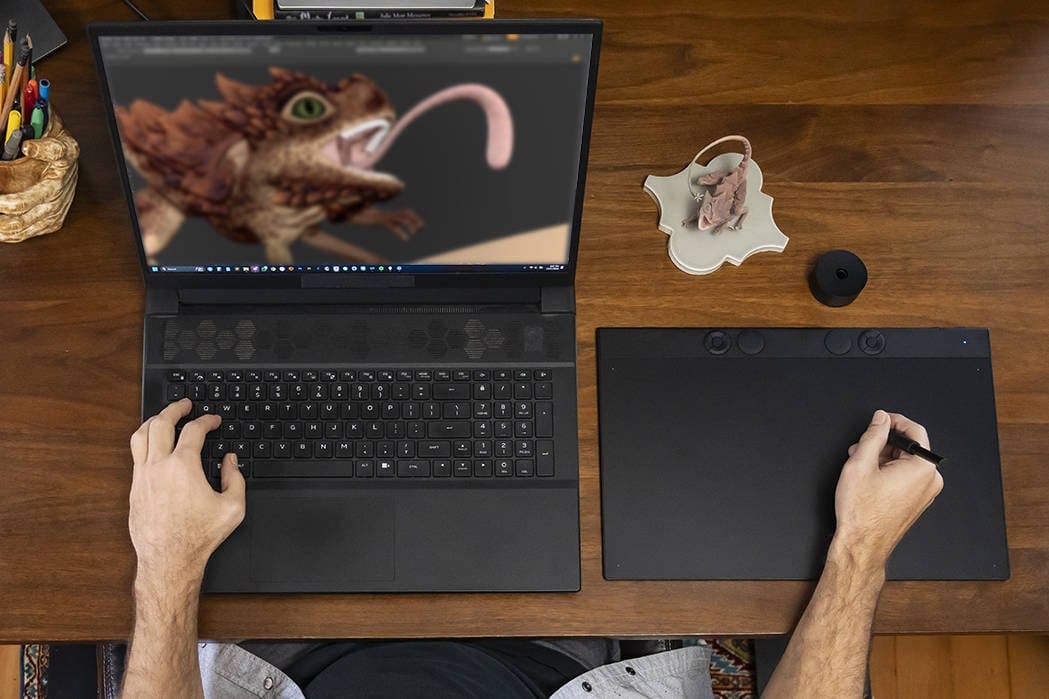
The Intuos Pro is the tablet you see on the desks of retouchers, animators and 3D artists, and Wacom rebuilt it in 2025. It is now between 4 and 7 millimeters thick, it switches between Bluetooth and a cable, and it uses 16:9 proportions in three sizes so the pad maps neatly onto a widescreen monitor. The ExpressKeys and dials moved to the top edge, where your hand can reach them with a keyboard sitting in front of the tablet.
The bigger upgrade is the Wacom Pro Pen 3. It reads 8,192 levels of pressure and tilt up to 60 degrees each way, and its nib sits on a high-strength carbon shaft that Wacom says reduces wobble. The pen comes with a stand holding ten spare nibs in standard, felt and rubber, and its grip and weight can be customized. Wacom also says a newly developed chip and digitizer make the tablet track the exact contact point more precisely, which matters most for detail work like masking in a photo editor.
Which size? Medium suits almost everyone at a normal desk. Small is for laptops and travel, and Large is worth it only if you draw with big arm movements on a large monitor.
Intuos: the cheapest real Wacom
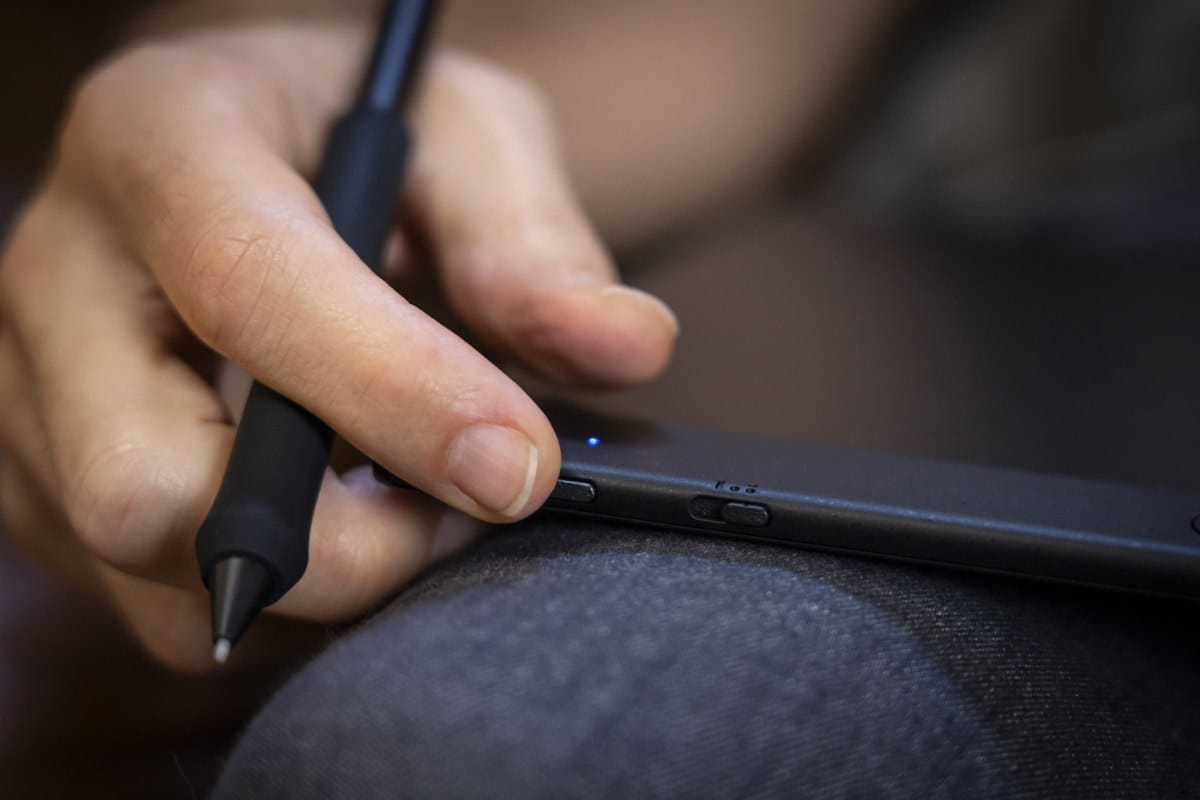
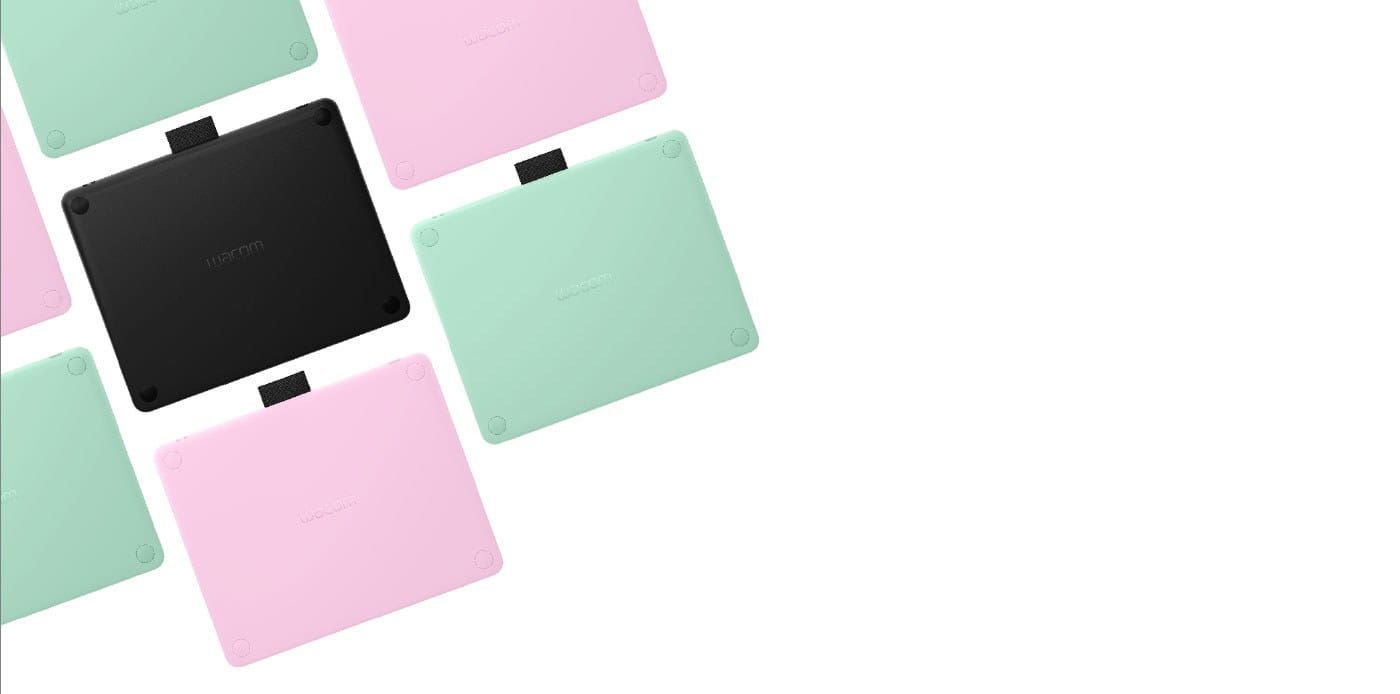
The plain Intuos has been the default first tablet for years, and it is still a sensible buy. It is 8.8 millimeters thin, more than 75 percent of its width is active drawing area, and the battery-free pen reads 4,096 pressure levels with a tip accurate to a quarter of a millimeter. It has four ExpressKeys, works with Windows, Mac, Chromebook and Android phones and tablets, and comes in black, pistachio or, in some regions, berry. Register it and Wacom adds trials of drawing and photo software such as Clip Studio Paint Pro.
The USB-only Small costs $39.95 at Wacom and is the cheapest way to find out whether you like drawing digitally at all. The Medium Bluetooth model at $129.95 gives you more room and no cable. If you sign documents, mark up PDFs or teach online, it does all of that well too.
Which one to buy
- You are new to digital art: Wacom One 14. Drawing on the screen removes the learning curve.
- You retouch photos or edit all day: Intuos Pro Medium. A pad keeps your posture better over long sessions, and the Pro Pen 3 is the most precise pen here.
- You want to try digital drawing for as little as possible: Intuos Small.
- You mostly take notes, sign or teach: Intuos Medium Bluetooth.
- You work on a laptop on the move: Intuos Pro Small, or the Wacom One if you have a USB-C port with video.
Building a better desk around it? Our guides to the Logitech MX Keys S and getting into mechanical keyboards cover the other half of the setup, and our gifts for design lovers list has more ideas for creative people.
Our call
Our call: buy the Wacom One 14 if you are starting out, and the Intuos Pro Medium if you draw for a living. The Wacom One gives beginners the natural feel of drawing on the picture itself for less than the price of a mid-size Intuos Pro, and at its $224.95 sale price it is the best value in Wacom's range. Professionals should skip the screen and buy the Intuos Pro Medium: the Pro Pen 3 is the better pen, and looking up at a calibrated monitor is easier on your neck over an eight-hour day. Buy the basic Intuos only if your budget is under $130.
Wacom One 14 ($299.95 list): our pick for beginners, a 14-inch Full HD screen you draw on. Check price
Wacom Intuos Pro Medium ($379.95 list): our pick for professionals, with the Pro Pen 3. Shop it at Wacom
Wacom Intuos Pro Small ($249.95 list): the same pen and build in a laptop-friendly size. Check price
Wacom Intuos Pro Large ($499.95 list): for big monitors and big arm movements. Check price
Wacom Intuos Medium Bluetooth ($129.95 list): the roomy wireless starter pad. Check price
Wacom Intuos Small Bluetooth ($79.95 list): the cheapest wireless Wacom. Check price
More desk gear, keyboards and everyday carry: browse our Desk and Everyday Carry hub.
Prices are regular list prices on Wacom's US online store in November 2026, where several models are currently discounted. Specifications are from Wacom's official product pages and store listings.
Unknowndivide may earn a commission from purchases made through links in this post. As an Amazon Associate we earn from qualifying purchases.