

Ableton made its name with software. Live, its digital audio workstation (DAW), is built around launching loops and clips instead of recording left to right on a timeline, and it changed how electronic music is written and performed. Its hardware has always followed that idea. Today there are two Ableton instruments, and they could hardly be more different. Move is a small, battery-powered sketchpad that weighs under a kilogram. Push 3 is a full computer wrapped in 64 expressive pads that can run entire Live sets on its own. One costs $449, the other $1,799 in its standalone form. Here is how the Ableton Move vs Push 3 compare, and which one deserves your money.
The quick answer
- Buy Move if you want to make beats and sketch ideas anywhere, on the couch, on a train or in bed. It has a built-in speaker, microphone and a battery that runs up to four hours, and it costs a quarter of the price.
- Buy Push 3 standalone if Live is the center of your music and you want to finish tracks and play shows without a laptop. It runs real Live sets with Live's own instruments and effects, has a proper audio interface, and its pads respond to pressure and finger movement.
- Buy Push 3 as a controller if you already have a powerful computer and want the best way to play Live by hand, with the option to add the standalone processor and battery later.
Two ideas of portable
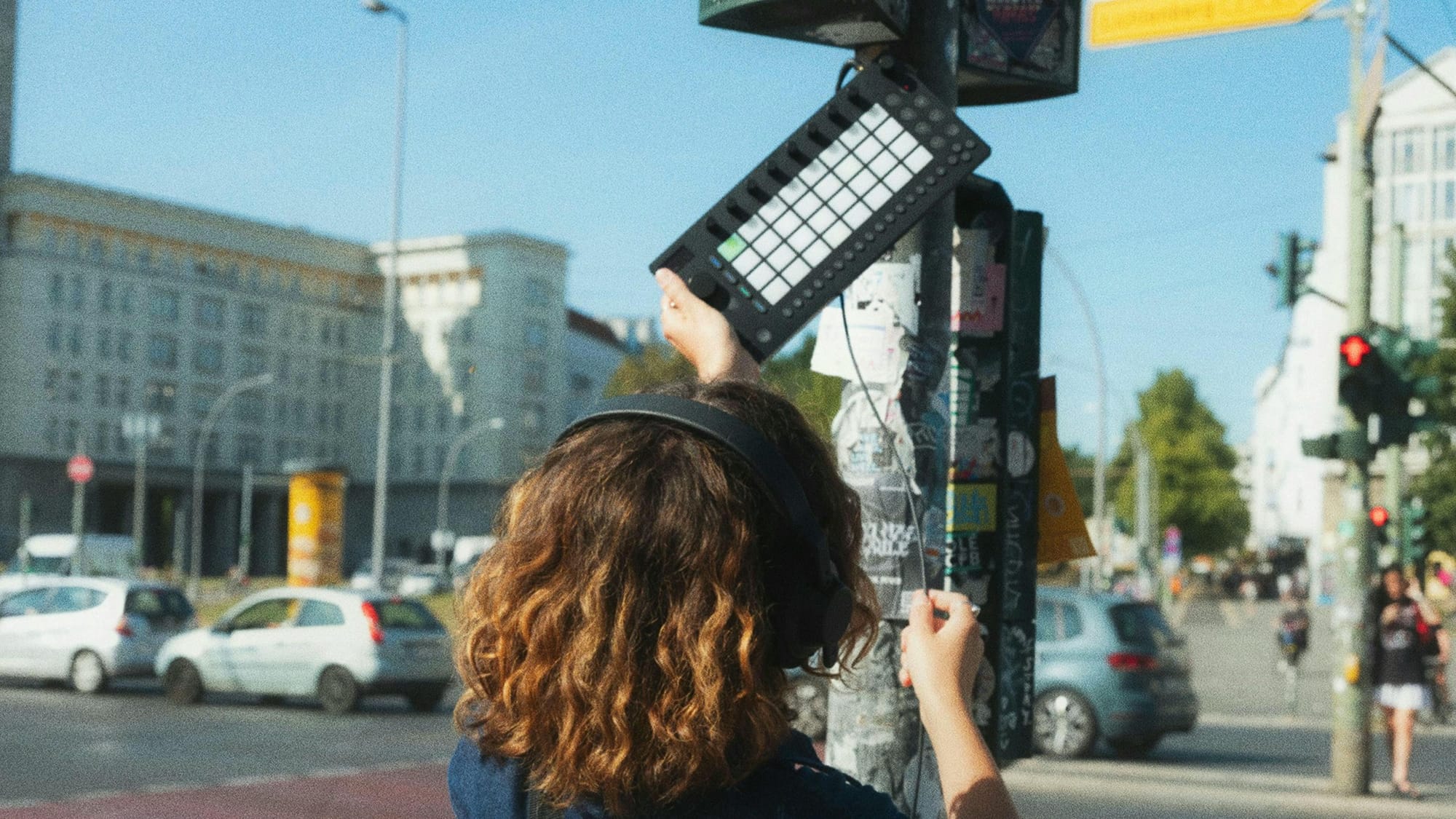
Move arrived in 2024 as Ableton's answer to the question every producer knows: where do ideas go when you are away from the studio? Ableton describes it as a portable instrument for intuitive music making, and everything about it points that way. You get four tracks, each of which can hold one of four instruments taken from Live: Drift, Wavetable, Drum Sampler or Melodic Sampler. There are 32 velocity-sensitive pads with polyphonic aftertouch, nine touch-sensitive encoders, a built-in microphone for sampling the room around you, and a speaker so you do not even need headphones.
Push 3, launched in 2023, takes the opposite view of portability. Instead of shrinking the workflow, it carries the whole studio. The standalone version contains an Intel Core i3 processor, 8 GB of memory, a 256 GB solid-state drive (SSD) and a lithium iron phosphate battery, so it runs Live itself. Plug in headphones and a guitar and you can keep working on a set you started on your laptop, using Live's built-in instruments and effects and most Ableton-built Max for Live devices.
Ableton Move vs Push 3, side by side
| Move | Push 3 standalone | Push 3 controller | |
|---|---|---|---|
| Regular price at Ableton | $449 | $1,799 | $999 |
| Pads | 32, velocity sensitive, polyphonic aftertouch | 64, MIDI Polyphonic Expression (MPE) with XY finger sensing | 64, MPE with XY finger sensing |
| Runs without a computer | Yes | Yes, runs full Live sets | No, needs a computer over USB |
| Tracks | 4 | As many as the processor allows | As many as your computer allows |
| Processor and memory | Quad-core 1.5 GHz, 2 GB | Intel Core i3, 8 GB | None, upgradeable later |
| Storage | 64 GB | 256 GB SSD | Uses your computer |
| Battery | Up to 4 hours | 2 to 2.5 hours | None, upgradeable later |
| Audio | 3.5 mm stereo in and out, speaker, microphone | 2 line or instrument inputs, 2 balanced outputs, headphone out | Same inputs and outputs |
| Weight | 0.97 kg | 3.95 kg | 3.1 kg |
Specifications and regular prices are from Ableton's tech specs and shop pages. At the time of writing Ableton is taking 20 percent off Push, Move and the Push Upgrade Kit until November 30, which brings Move to $359 and Push 3 standalone to $1,439.
Move: the idea catcher
Move's best trick is how little it asks of you. Pick it up, press a pad and you are playing one of more than 1,500 sounds made by Ableton's own sound design team in collaboration with producers including BADSISTA, BNYX, DECAP and L.Dre. Press the Capture button and Move recalls what you just played even if you were not recording, a feature carried over from Live. Recent updates added audio tracks, so you can now record a voice or a synth through the microphone or line input, warp it to tempo and run it through effects such as Reverb, Delay and Saturator.
The limits are real, though. Four tracks is enough for a sketch, not a finished arrangement. The screen is a compact 128 by 64 pixel organic light-emitting diode (OLED) display, and the step sequencer tops out at 16 bars. Move is designed to hand off to Live: sets transfer to your computer over Wi-Fi, so you finish them there. Think of it as a musical notebook, not a studio.
Push 3: the studio without a laptop
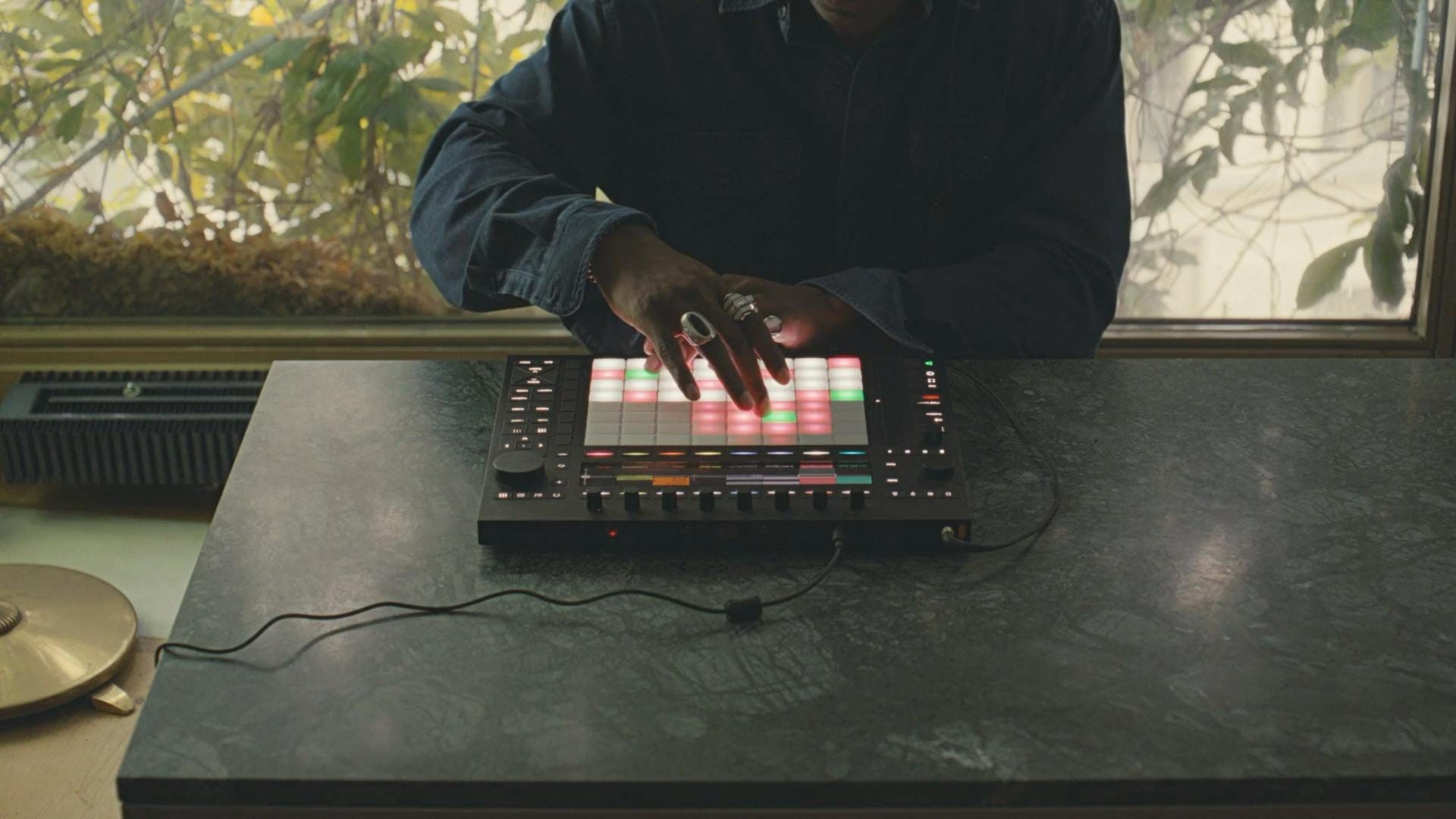
Push 3 is the most serious instrument Ableton has made. Its 64 pads use MPE, which means each pad reads pressure and sideways movement independently, so you can bend one note of a chord or add vibrato with a wobble of your finger. The built-in audio interface takes two line or instrument inputs, an ADAT (Alesis Digital Audio Tape) extender adds eight more inputs and outputs, and the pedal jacks can send control voltage (CV), clock and gate signals to a modular rig.
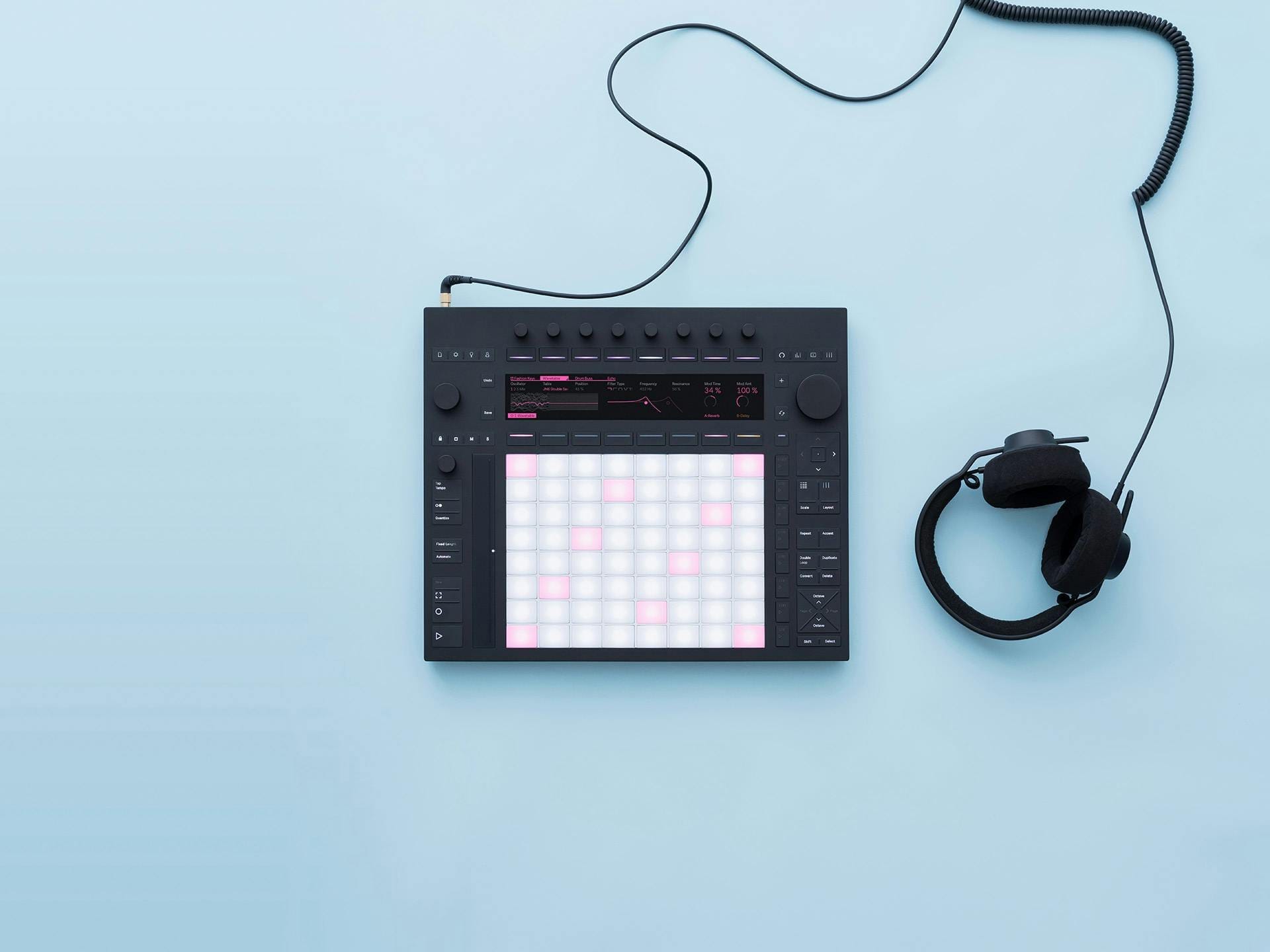
The catch is weight, battery and price. At almost 4 kg it is a desk instrument you can carry, not one you slip into a bag, and the battery lasts two to two and a half hours. Third-party plugins still need a computer, and complex sets can push the built-in processor harder than a modern laptop. The controller version solves the price problem: it costs $999, works with your computer, and can be turned into the standalone model later with Ableton's Upgrade Kit.
Which to buy, by buyer
- Beginners and curious producers: Move. It is cheap, friendly and teaches the Live way of working.
- Producers who already live in Live: Push 3 controller, or standalone if you want to leave the laptop at home.
- Live performers: Push 3 standalone, with its audio inputs, MPE pads and CV outputs.
- Travelers and commuters: Move, by a wide margin. Compare it with other pocket studios in our OP-XY vs OP-1 Field guide.
- Hardware fans who want something other than Ableton: see our MPC One G2 vs MPC Live 3 vs MPC Sample comparison.
Our call
Our call: buy Move if you want more ideas, and Push 3 if you want more finished tracks. Move is the best $449 Ableton has ever asked for: it makes music the moment you pick it up and hands your sketches straight to Live. But it is a notebook. If Live is already your main tool and you have the budget, Push 3 standalone is the real upgrade, a full studio you can play like an instrument. If the budget is tight, buy the Push 3 controller now and add the Upgrade Kit later.
Ableton Move: our pick for sketching anywhere, $449 regular price. Buy at Ableton
Ableton Push 3 standalone: our pick for a laptop-free studio, $1,799 regular price. Buy at Ableton
Ableton Push 3 controller: the best way to play Live from your computer, $999 regular price, upgradeable later. Buy at Ableton
Full specs: compare every detail on Ableton's own pages. Move tech specs and Push 3 tech specs
For a deeper look at the bigger instrument, read our Ableton Push 3 standalone guide, see what is coming in Ableton Live 13, and build out the rest of your setup with our Home Studio hub.
Specifications, prices and features are from Ableton's official product, tech specs and shop pages.


