
If you have a PC under your TV, there is a good chance a Logitech K400 is sitting on the coffee table next to it. It is the default couch keyboard, it has been for years, and almost nobody loves it. Framework, the company known for laptops you can open and repair yourself, has built the replacement. The Framework Wireless Touchpad Keyboard opened for pre-orders on November 17, and Framework says it drew the biggest email waitlist of anything it has ever made.
The clever bit is not a new invention. Framework simply took the keyboard module out of its own Framework Laptop 12, the one it developed with Lite-On, and put it in a slim standalone chassis with a real laptop-grade touchpad beside it. So typing from the couch should feel like typing on a decent laptop, not on a toy.
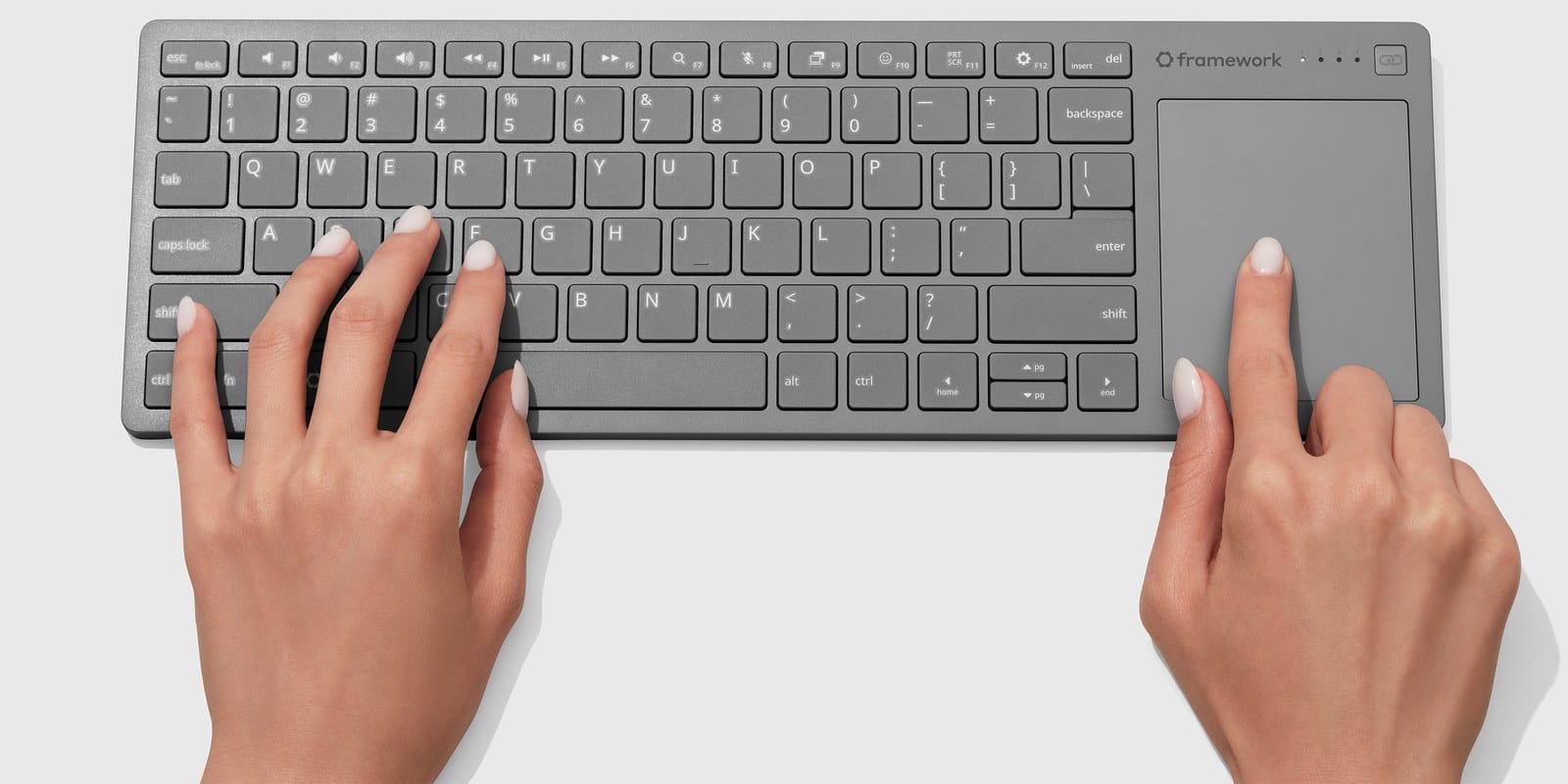
Framework Wireless Touchpad Keyboard specs
- Touchpad: 68.8 x 85.6mm, running at 120Hz on a PixArt Precision Touchpad controller, the same supplier Framework uses in its laptops. Multi-finger gestures work on Windows, Mac and Linux.
- Connections: a USB-A dongle that stores inside the back of the keyboard, three more Bluetooth 6.0 channels, and wired USB-C with 8kHz polling. Range is more than 10 meters.
- Battery: 1200mAh, charged over USB-C, and replaceable. Framework quotes well over a year of sporadic use and more than a month of hours-a-day desk use.
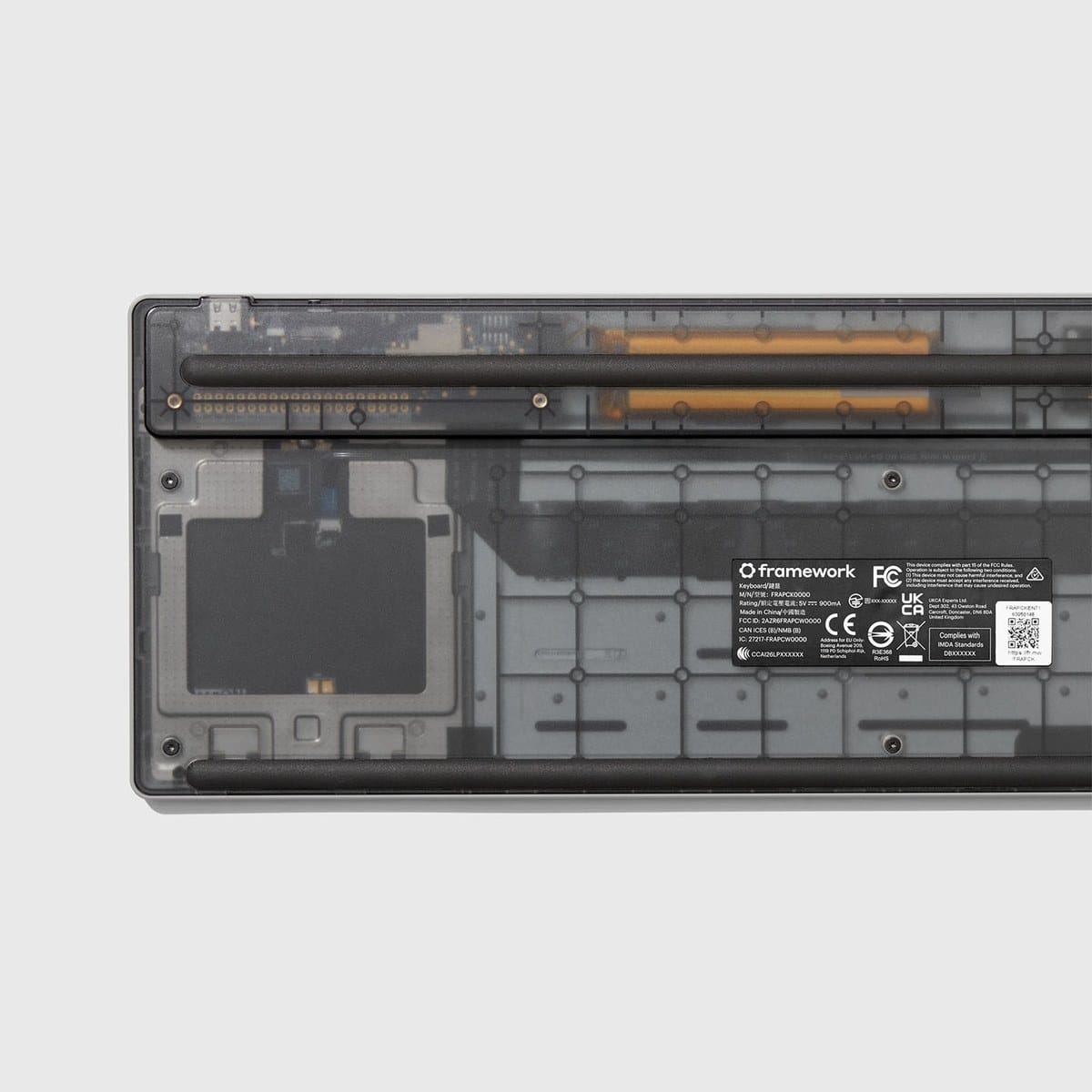
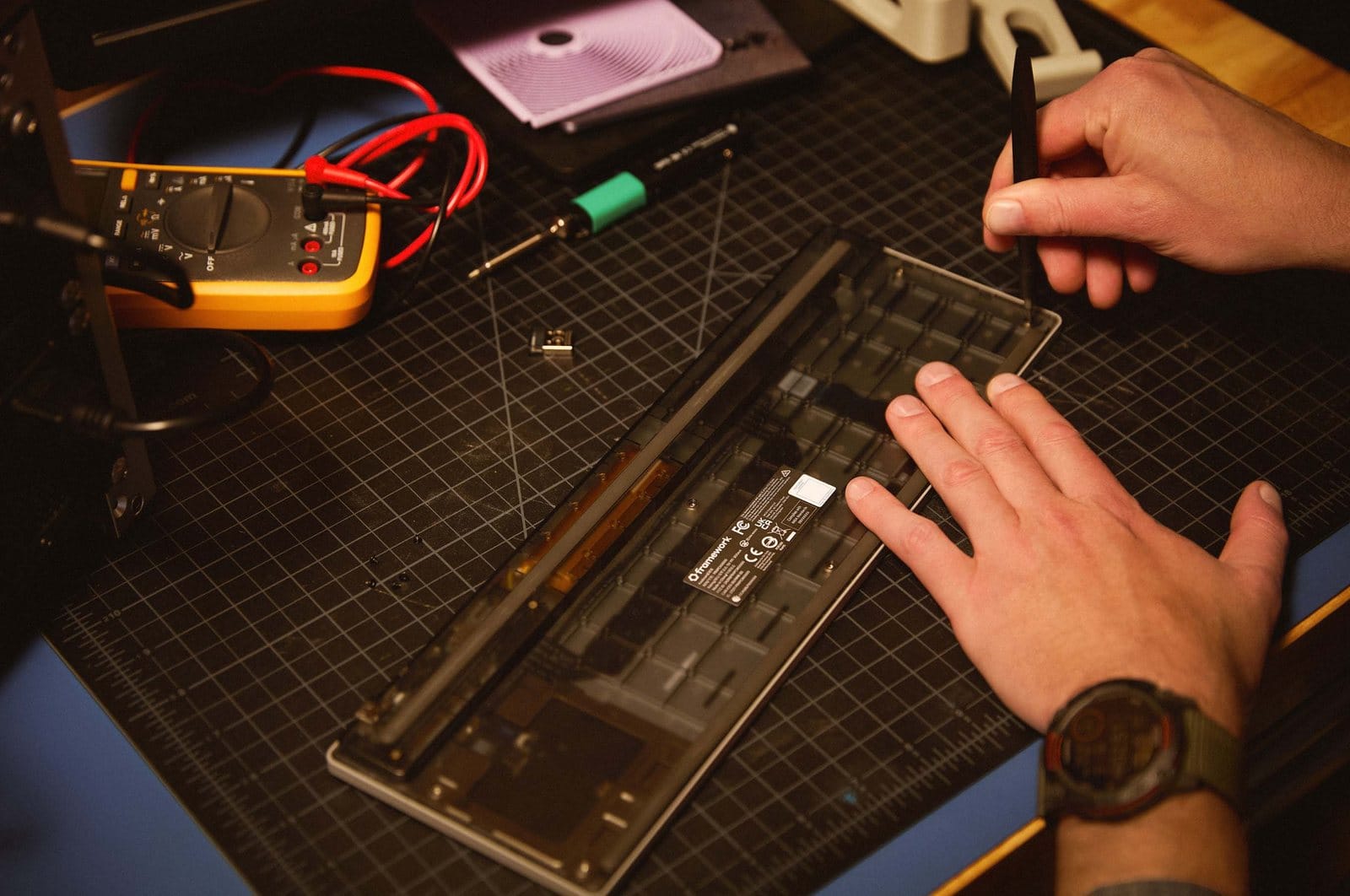
- Build: a 0.8mm steel plate under the keys, covers made from post-consumer recycled plastic and a translucent smoke back that shows the internals.
- Size: about 357 x 119mm, tapering from under 10mm at the front to about 17mm at the back.
Why it beats the usual couch keyboard
Two details matter more than the spec sheet. First, the dongle and the USB-C cable work from the moment a machine powers on, so you can get into a BIOS menu or set up a headless server without hunting for a spare keyboard. That makes it just as useful next to a Raspberry Pi 5 as next to a TV. Second, standby power. In its lowest connected state the keyboard draws under 50 microamps, which is why it can sit in a drawer for months and still wake up instantly.
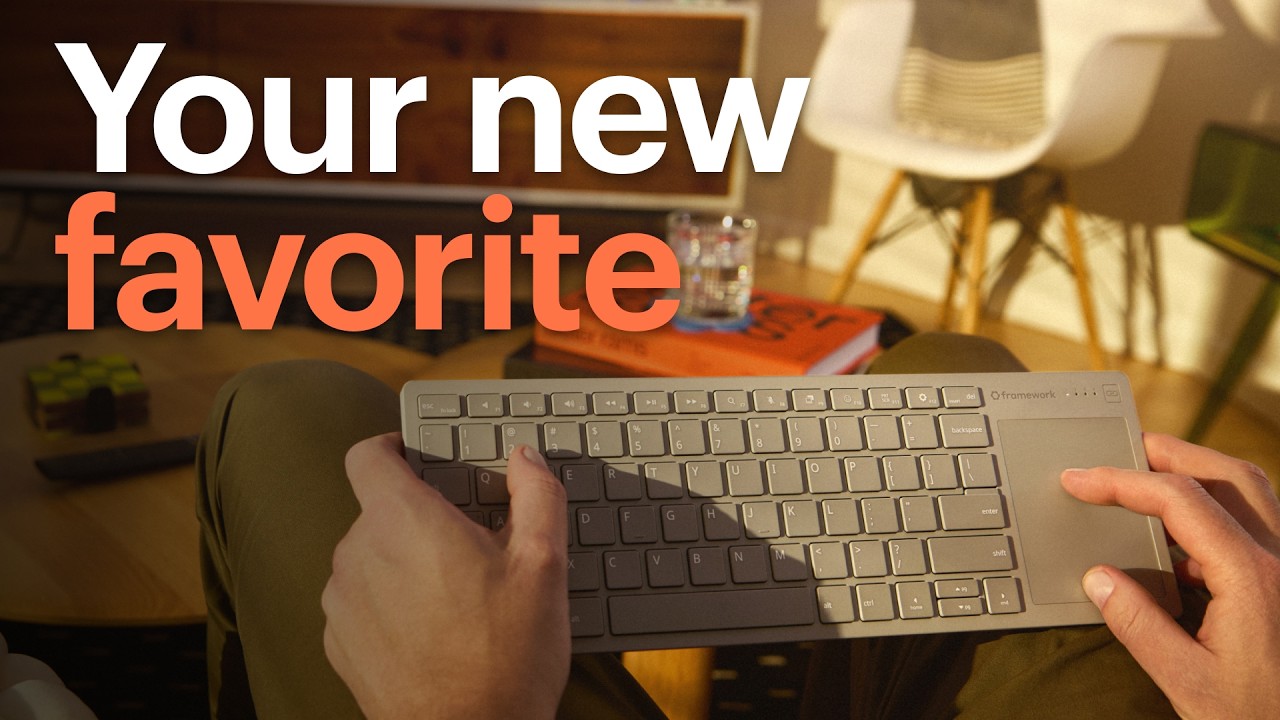
It also works with far more than PCs: phones, tablets, smart TVs, PS5, Xbox and Valve's Steam Machine. Mac owners get a Mac Mode, toggled by holding Fn and O for three seconds, that copies macOS shortcuts and most of its trackpad gestures.
Built to be opened
This is still a Framework product. The battery and the dongle are sold as spare parts in the Framework Marketplace. The firmware is an open source fork of ZMK, so you can remap keys in a browser. Framework is even selling the Control Board on its own, built around a Nordic nRF54LM20A chip, so tinkerers can make it the brain of their own custom keyboard. It has also released open CAD files so owners can 3D print mounts for things like sim racing rigs. If that philosophy appeals, our list of repairable tech you can fix yourself is full of it.
Release date and what to know before you pre-order
A fully refundable deposit holds your place, and the first batches ship in the first quarter of 2027 to every region Framework sells in. The first version comes only in a US English ANSI layout, and Framework is surveying buyers about other languages. A USB-A Adapter Expansion Card that hides the dongle flush inside a Framework laptop or desktop follows early next year. Full details are on the product page and the spec sheet.
For a desk-first alternative, we still like the Logitech MX Keys S, and more desk gear lives in our desk and EDC hub.
Our call: buy, if you have a PC under your TV or a server in a closet. We cannot think of another couch keyboard that combines a laptop-quality keyboard, a proper touchpad, power-on dongle support and parts you can replace. If you want a non-US layout or plan to use it mostly at a desk, wait for the language options and the first owner impressions, since a full-size keyboard and separate mouse will still be more comfortable for long work sessions.