A turntable is a small mechanical instrument. A motor turns a platter, a stylus sits in a groove that is only a fraction of a millimetre wide, and a fragile signal leaves the cartridge long before it ever becomes music in a room. That is why a careful turntable setup guide matters more than the logo on the plinth. Two identical decks can sound clean or thin, quiet or noisy, depending on whether the table is level, the tracking force is right, and the phonograph preamplifier (phono preamp) is actually in the path.
The steps below follow the order you should use on a new deck, using official setup practice from cartridge makers and the design of a current manual turntable such as Pro-Ject's Debut EVO 2, which the Austrian company makes by hand in the European Union. The same sequence applies to most belt-drive decks with a detachable headshell or a pre-mounted moving magnet cartridge.
Turntable setup guide: the short version
- Place first. A rigid, level surface beats a wobbly shelf. Leave space so the lid can open and the cable can reach the preamp without a tight bend.
- Build the spinning parts. Fit the platter, belt and any sub-platter exactly as the maker shows, then confirm the belt is seated and not twisted.
- Set the cartridge. If it is not already mounted, install it lightly, then set tracking force, anti-skate and alignment to the cartridge maker's figures, not to a guess.
- Connect as a phono source. Unless the deck or the speakers include a phono stage, you need a separate phono preamp between the turntable and any line-level input.
- Play a record you know. Listen for hum, skipping, sibilance and a thin or muffled midrange. Those are setup problems, not a reason to panic-buy a new cartridge.
What you actually need
You need the turntable, a cartridge (often pre-mounted on a starter deck), a phono preamp or a receiver with a phono input, and a pair of speakers or headphones. A simple bubble level helps, and the cartridge maker's alignment protractor is worth using even when the deck arrives with the cartridge already on the arm. A digital stylus scale is useful once you outgrow the markings on a counterweight, but it is not required for a first setup if you follow the official tracking-force number carefully.
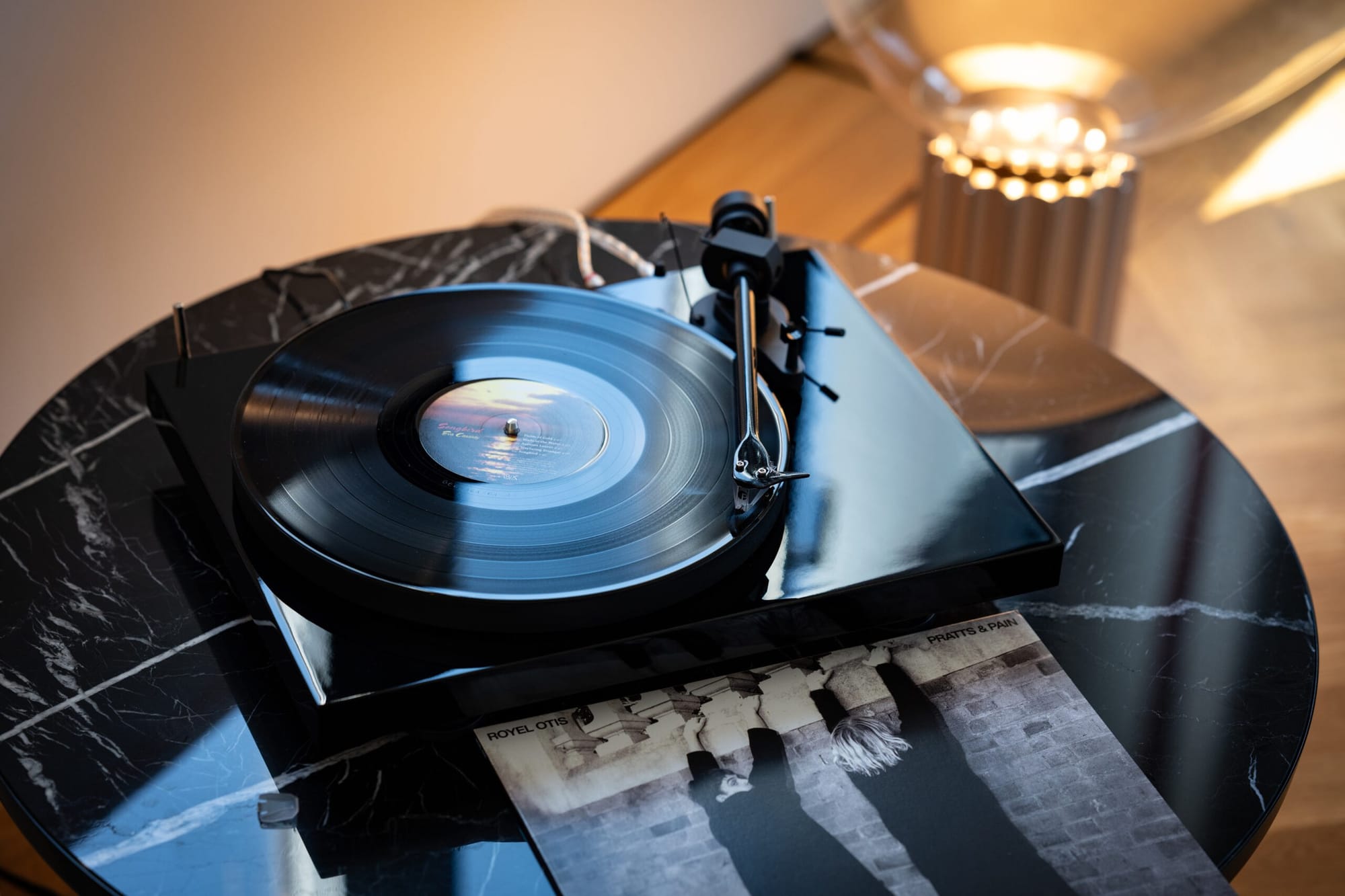
Pro-Ject ships the Debut EVO 2 with its Pick it MM EVO (moving magnet) cartridge, developed with Ortofon in Denmark, plus a semi-symmetrical Connect it Phono E RCA cable and gold-plated sockets set into the plinth. That is a complete mechanical package. It is not a complete playback system, because the sockets still carry a phono-level signal. You will still need a preamp, and you will still need to check the setup before the first side.
Level the surface and place the deck
Put the turntable on a solid, level piece of furniture that does not share a top with the speakers if you can avoid it. Bass from a speaker can vibrate a light shelf and make the stylus bounce in the groove. A wall-mounted shelf or a heavy side table is better than a hollow desk. Use a bubble level on the platter once the deck is assembled, and adjust the feet or the furniture until the bubble sits in the middle.
Leave slack in the power and signal cables so they do not tug the chassis. Keep the phono cable away from power supplies and other mains leads. That single bit of cable hygiene prevents a surprising amount of hum later.
Fit the platter, belt and cartridge
Most starter decks arrive with the platter, felt or leather mat, and belt packed separately so they are not damaged in transit. Seat the platter on the bearing, then fit the belt around the motor pulley and the sub-platter or platter exactly as the manual shows. A twisted belt or a belt riding on the wrong step of a pulley will make speed wander and can produce a once-per-revolution wow.
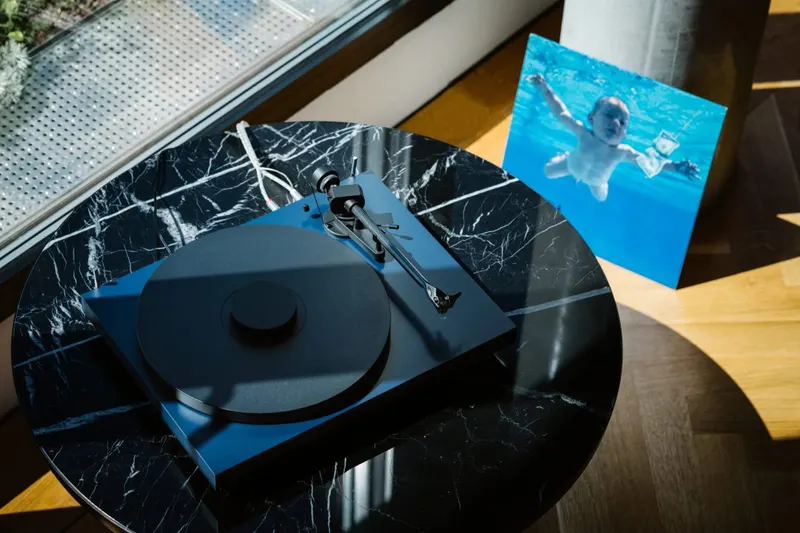
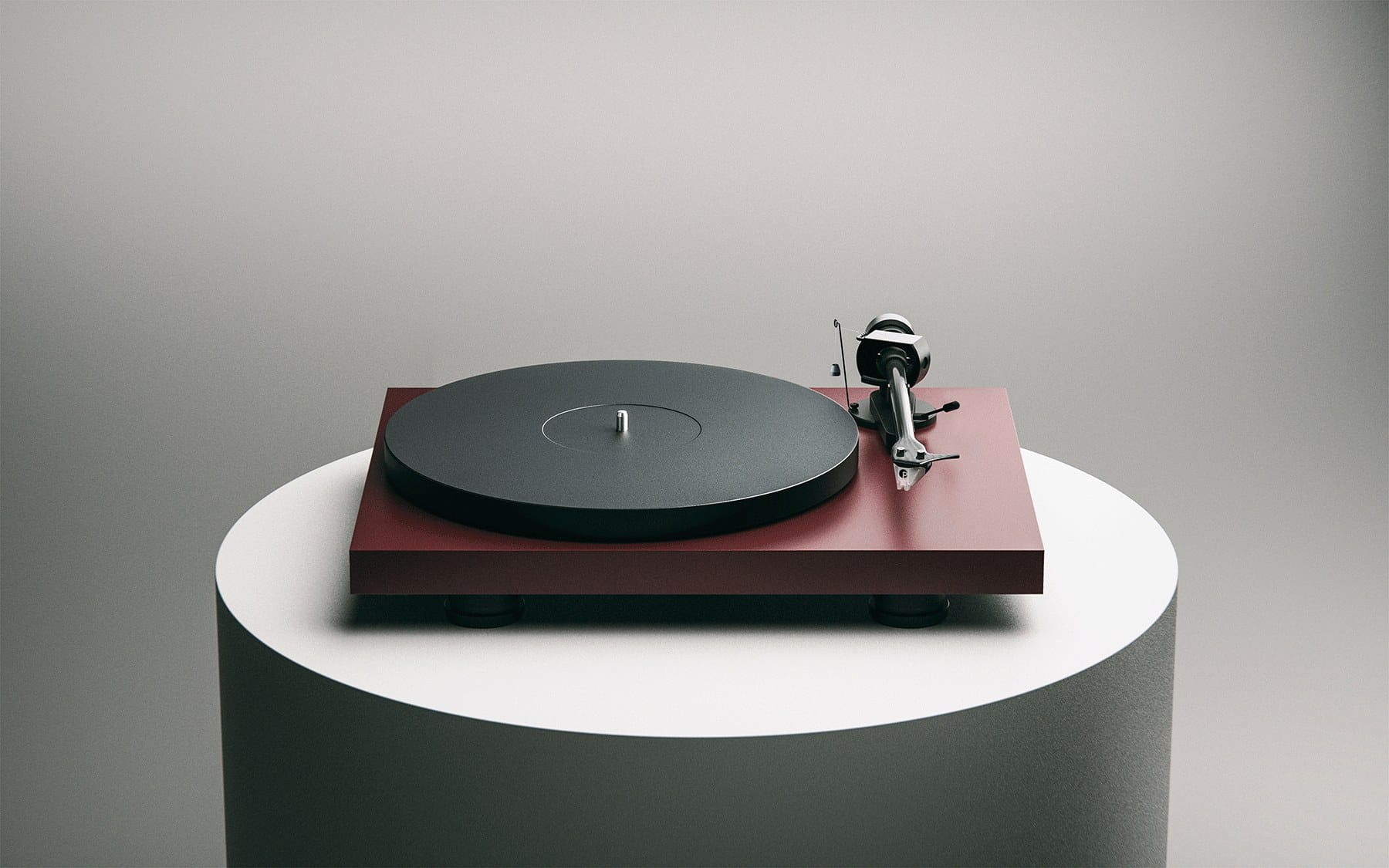
On the Debut EVO 2, Pro-Ject uses a 1.7 kilogram die-cast aluminium platter with a thermoplastic elastomer (TPE) damping ring inside, a belt that isolates the motor from a sub-platter, and an alternating-current motor held in a suspension, fed by a generator that creates a clean sine wave for the motor. The point of all that metal and damping is stability. It only works if the belt is on correctly and the platter is fully seated.
If the cartridge is already mounted, check that the mounting screws are snug, not cranked down so hard that the body distorts, and that the stylus guard is still on until you are ready to set tracking force. If you are fitting a cartridge yourself, start with the screws just tight enough to hold it, because you will still need to slide the body for alignment.
Tracking force, anti-skate and alignment
This is the heart of a turntable setup guide, and it is the part people skip. Tracking force is the downward pressure of the stylus in the groove, measured in grams. Too light and the stylus mistracks, which you hear as harshness or breakup on loud passages, and it can damage the record. Too heavy and you also wear the vinyl and dull the sound. The correct number is the one the cartridge maker publishes. Set it with the counterweight after you have balanced the tonearm according to the deck's manual.
Anti-skate is the small outward or inward force that keeps the stylus centred in the groove as the arm travels across the record. Pro-Ject points out that skating force is not constant from the outer groove to the inner groove, and the Debut EVO 2 uses an adaptive anti-skate mechanism that changes with the arm's position. On a simpler deck, you will usually match the anti-skate dial to the tracking-force number, then listen and fine-tune if one channel sounds stressed.
Alignment is the angle of the cartridge in the headshell, so the stylus sits correctly in the groove at two points across the record. Use the protractor the cartridge or turntable maker supplies. Loosen the cartridge screws slightly, nudge the body until the cantilever lines up with the grid at each null point, then tighten evenly. This is fiddly work on a first attempt. It is also the difference between a focused stereo image and a fuzzy one.
Speed, the phono preamp and the speakers
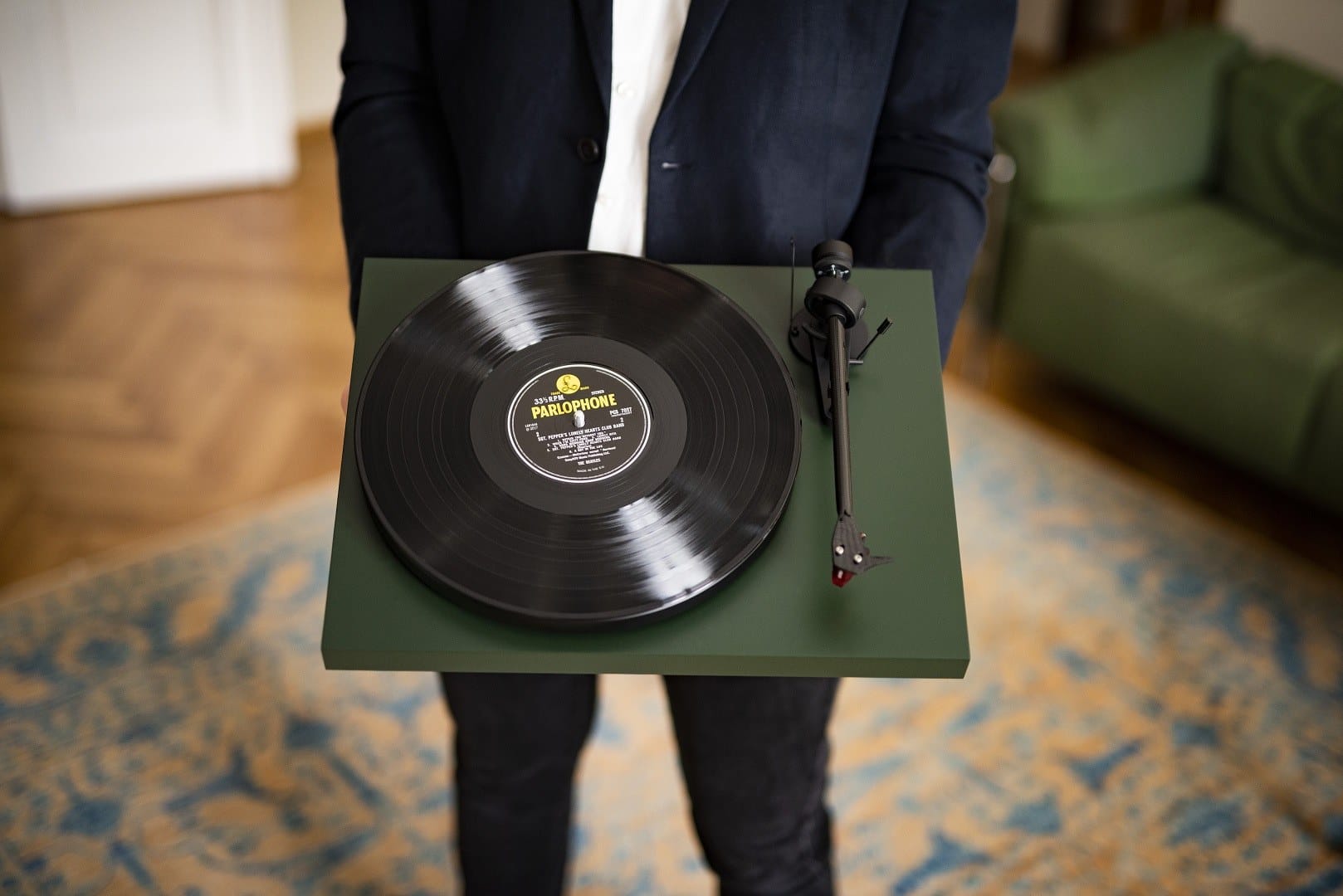
Set the speed before you drop the needle. Most albums play at 33 1/3 revolutions per minute, and most singles at 45. The Debut EVO 2 changes speed electronically with a rocker switch under the plinth, so you are not moving the belt by hand. On a deck that still uses a stepped pulley, move the belt carefully with the platter still, then start the motor.
The cartridge's output is tiny. A phono preamp raises that signal and applies the Recording Industry Association of America (RIAA) equalization that records are cut with. If you plug a turntable straight into a computer, a soundbar or a pair of powered speakers that only have a line input, the music will be quiet, thin and noisy. Either use a receiver with a dedicated phono input, or add a small external preamp and then go into those speakers. We have already ranked starter preamps in our guide to the best phono preamps for beginners, and we have a separate short answer if you are still asking which powered speakers work with a turntable.
If the deck has a ground wire, attach it to the ground post on the preamp or receiver. If it does not, a hum usually means the cable routing or the input type is wrong, not that you need a new turntable.
First play and the usual problems
Pick a record you know well, clean and reasonably flat. Cue the stylus gently, stand so you can see the groove, and listen to the first minute before you walk away. Hum that disappears when you touch the tonearm or the preamp chassis is often a ground issue. Skipping usually means the surface is not level, the tracking force is too light, or the record is badly warped. A harsh, spitty top end can be alignment or a stylus that is still wearing its shipping guard in your imagination: check that the guard is actually off. A dull, distant sound can mean the preamp is not in the chain, or that you have connected to a line input.
Once the basics are right, leave the setup alone for a week of ordinary listening. Then, if you want a different character, consider a cartridge upgrade such as the Ortofon 2M range, which is a common next step from a starter moving magnet. For a first deck itself, see our best turntables for beginners list, which is the product-picking companion to this setup guide.
Our call
Our call: do the setup once, properly, before you spend more on cables or a different cartridge. A level surface, the official tracking force, a real alignment, and a phono preamp in the path will do more for the sound than a more expensive plinth with a crooked cartridge. If you want a deck that already includes a serious carbon arm, a damped platter and an Ortofon-developed cartridge, the Debut EVO 2 is a strong place to start. If you already own a simpler deck, these same steps still apply. Do them before you shop for anything else.
Pro-Ject Debut EVO 2: our pick for a first serious manual deck, with a one-piece carbon tonearm, damped aluminium platter and the Pick it MM EVO cartridge. Shop the Debut EVO 2 or buy from Pro-Ject
Ortofon 2M Red: a widely used moving magnet cartridge when you are ready to replace a starter stylus, with official setup guidance from the maker. Shop the 2M Red or see it at Ortofon
Pro-Ject Phono Box E: a compact phono preamp if your speakers or receiver do not already have a phono input. Shop the Phono Box E or see Pro-Ject's preamps at Pro-Ject
For the rest of a small listening or recording room, start with our Home Studio hub.
Unknowndivide may earn a commission from purchases made through links in this guide. As an Amazon Associate we earn from qualifying purchases.
Specifications and setup details are from Pro-Ject's official Debut EVO 2 and Debut Carbon EVO product pages.
Frequently asked questions
How do I set up a turntable for the first time?
Start by placing the deck on a level, rigid surface. Fit the platter and belt if they arrive separate, install the cartridge if it is not already mounted, then set tracking force, anti-skate and alignment using the cartridge maker's figures. Connect the deck to a phonograph preamplifier, or to a receiver with a phono input, and set the speed to 33 or 45 before the first record.
Do I need a phono preamp for turntable setup?
Most turntables, including Pro-Ject's Debut EVO 2, send a low-level phono signal that needs a phonograph preamplifier before it can drive powered speakers or a normal line input. If your receiver or speakers already have a phono input, that preamp is built in and you do not need a separate box.
How do I set tracking force on a turntable?
Balance the tonearm, then dial the counterweight to the tracking force published by the cartridge maker, in grams. On a deck like the Debut EVO 2, a damped counterweight makes that setting more stable once it is correct. Never guess the number. Use the figure in the cartridge instructions.
Why does my turntable hum after setup?
The usual cause is a grounding problem or a phono cable running next to a power supply. If the deck has a ground wire, connect it to the ground post on the preamp or receiver. Keep the phono cable away from power bricks, and confirm you have not plugged a phono-level output into a line input.
How do I set up a turntable with powered speakers?
Run the turntable into a phono preamp first, then take the preamp's line outputs into the speakers' line or auxiliary input. Powered speakers do not replace a phono preamp unless they specifically include a phono stage.