A computer can play music. It cannot, on its own, take a quiet microphone or an electric guitar and turn that signal into a clean recording. The missing box is an audio interface: a dedicated converter and preamp that sits between the instrument and the digital audio workstation (DAW) on your machine. If you have ever wondered what is an audio interface, and whether you actually need one, the honest answer depends on what you want to record, not on how expensive the rest of the room looks.
What is an audio interface, in one minute
- It converts sound. Analog signals from mics and instruments become digital audio the computer can record, and the computer's playback becomes analog again for speakers and headphones.
- It gives you preamps. A microphone's output is tiny. The interface's microphone preamplifiers raise that signal, often with tens of decibels of clean gain, before conversion.
- It talks to real studio connectors. You get XLR microphone inputs (the three-pin connectors most studio mics use), instrument jacks for guitar or bass, line inputs, monitor outputs, and usually 48 volt phantom power for condenser mics.
- You need one if you want to record with a regular microphone or instrument, or to drive studio monitors properly. You may not need one if a single Universal Serial Bus (USB) microphone already covers a simple voice-only setup.
The jobs it actually does
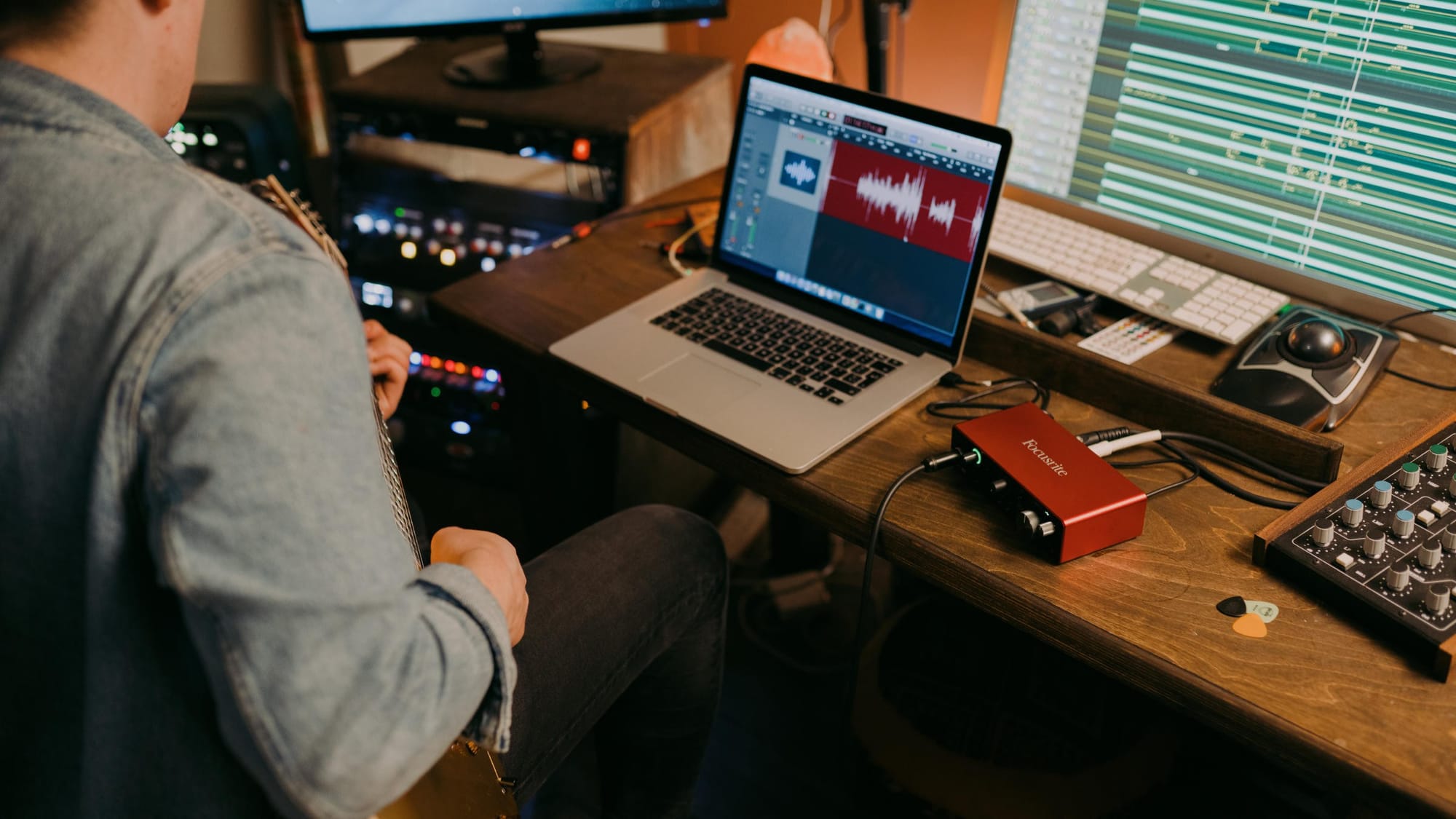
Think of the interface as a translator with a volume knob. Incoming sound hits a preamp, then an analog-to-digital converter, then a Universal Serial Bus Type-C (USB-C) or similar connection into the computer. On the way back out, a digital-to-analog converter feeds your monitors and headphones. The quality of those converters, and the cleanliness of the preamps, is the whole point of buying a dedicated box instead of relying on a laptop's headphone jack.
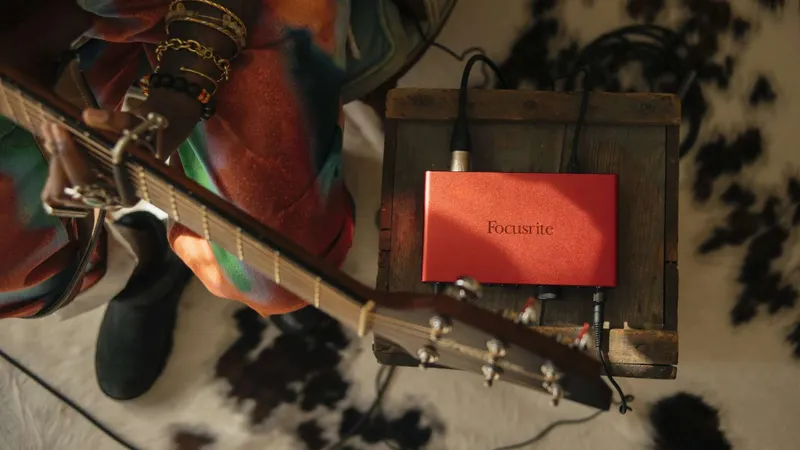
Focusrite describes the current Scarlett 2i2, now in its fourth generation, as a 2-in, 2-out interface with two microphone preamps, front-panel line and instrument inputs, and 120 decibels of dynamic range. The preamps are remote-controllable, with a 69 decibel gain range, and the unit adds Auto Gain and Clip Safe so a take is less likely to distort if a singer suddenly gets loud. Two Air modes add a console-style presence lift when you want it. Those are the features of one popular box. The jobs they serve are the same on almost every serious interface: gain, conversion, and a way to hear yourself while you play.
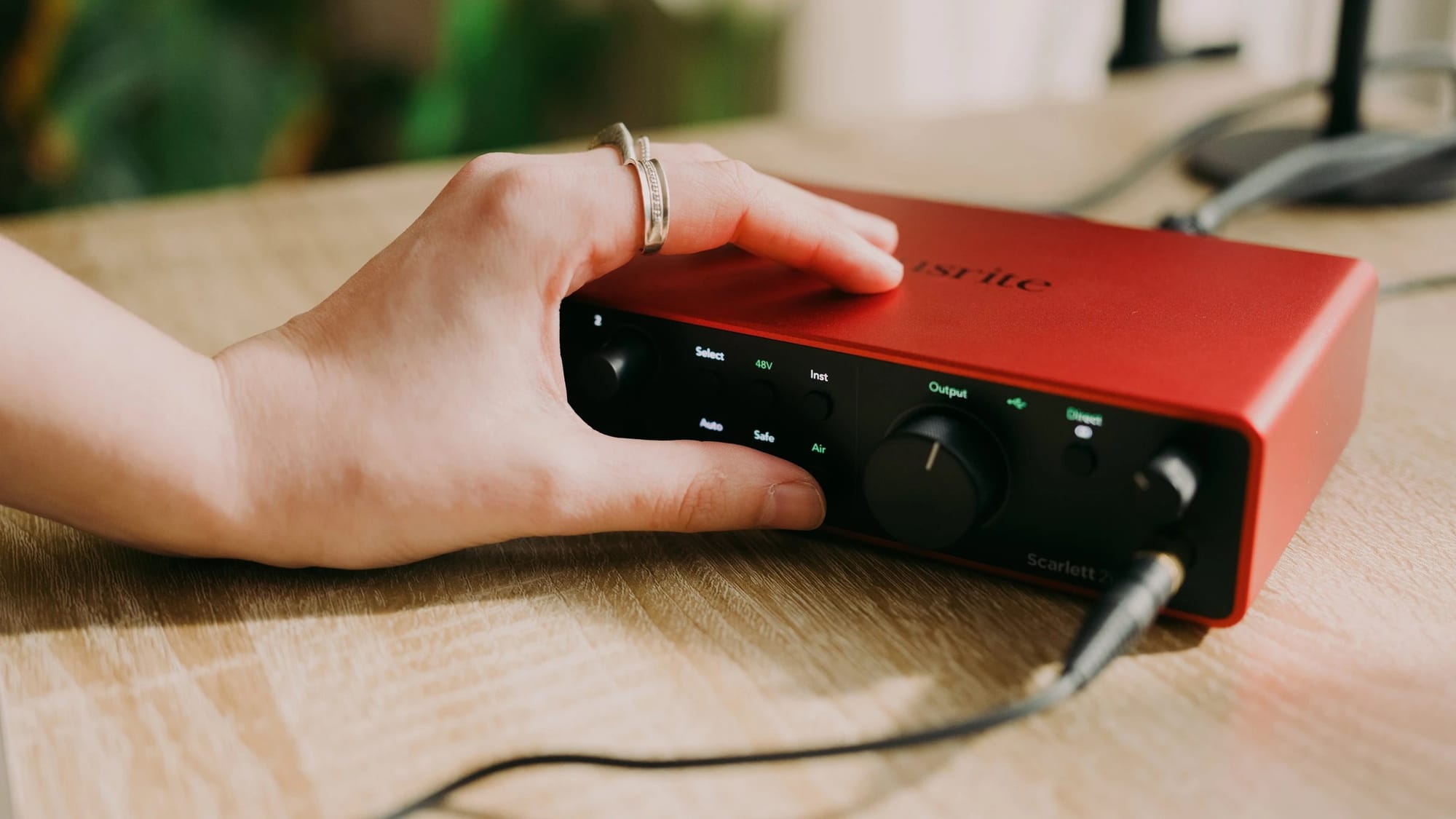
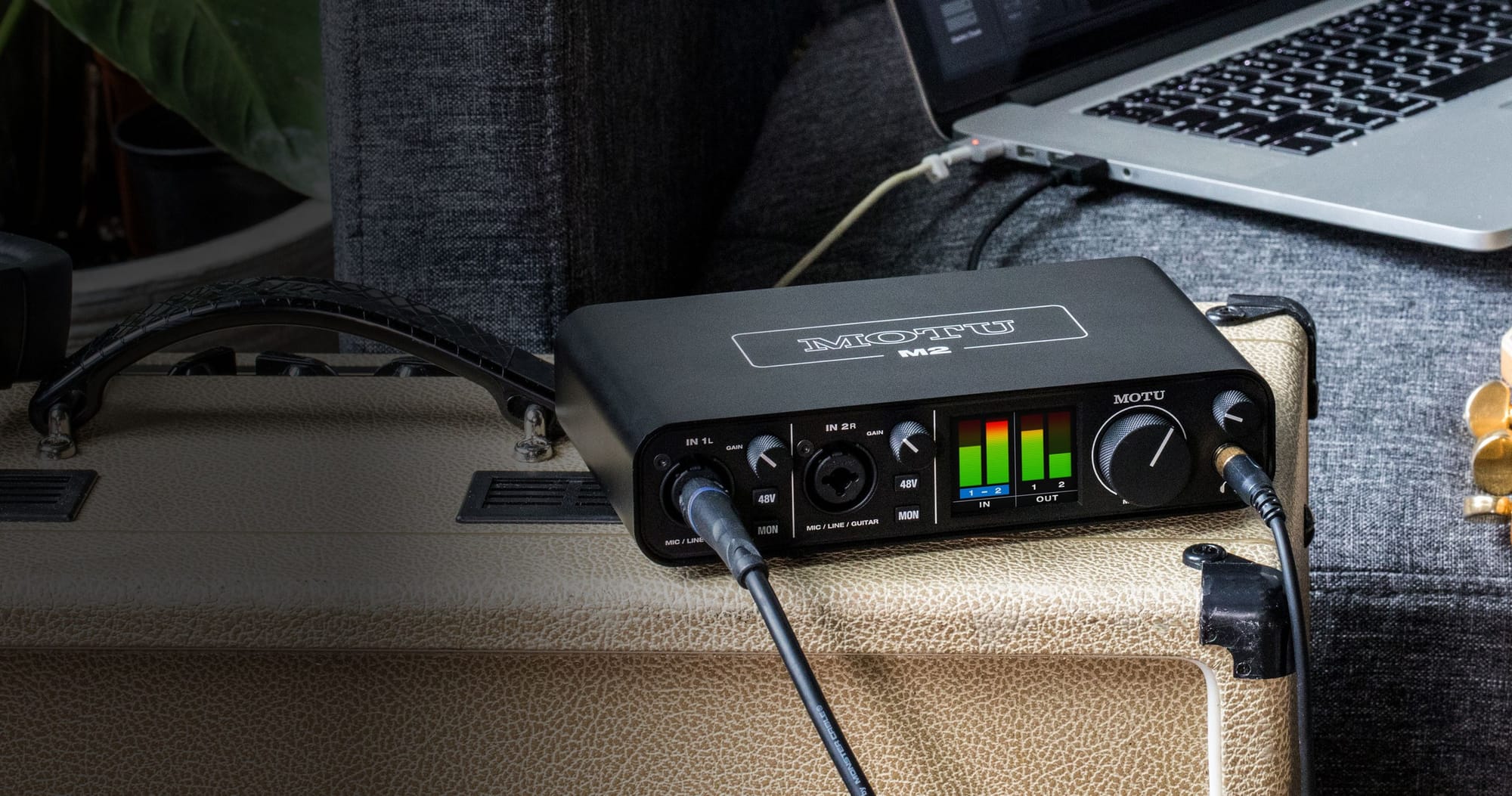
Two other jobs are easy to miss. The first is phantom power, the 48 volt supply that condenser microphones need. We explain that circuit in more detail in What Is Phantom Power? 48V Explained for Microphones. The second is clocking and latency: the interface keeps time for the conversion, and a good driver lets you monitor a guitar or vocal quickly enough to play in time. MOTU publishes a measured 2.5 millisecond round-trip latency for the M2 at 96 kilohertz with a 32-sample buffer, which is the kind of figure you care about once you start playing through software effects.
A related idea is the microphone preamp itself, which some people confuse with the whole interface. The preamp is one stage inside the box. If you want that stage explained on its own, see What Is a Microphone Preamp.
Do you need one
Buy an audio interface if any of these are true: you want to use an XLR microphone, you want to record a guitar or synthesizer as an instrument input, you want a pair of studio monitors fed from a proper line output, or you need to mix a live microphone with computer audio for a stream. In the last case, loopback channels matter. MOTU's M2 driver includes loopback so you can combine the computer's playback with live inputs inside your software, which is the clean way to stream without a second box.
You can wait if you only record voice on a USB microphone and edit the result in the same laptop, or if you are still deciding whether you enjoy recording at all. A USB mic is an interface and a capsule in one housing. It is also a dead end when you want a second input or a pair of monitors. When that day comes, the interface is the piece that lasts.
A simple interface versus a more serious one
| What you care about | Focusrite Scarlett 2i2 4th Gen | MOTU M2 |
|---|---|---|
| Role | 2-in, 2-out USB interface aimed at people starting a home studio | 2-in, 2-out USB-C interface with a full-color meter display |
| Preamps and inputs | Two ultra-low-noise mic preamps, 69 dB of gain, front-panel line and instrument inputs, Auto Gain and Clip Safe | Combo jacks for mic or instrument, independent gain, 48 volt phantom power, measured -129 dBu equivalent input noise |
| Conversion | Focusrite quotes 120 dB of dynamic range | ESS Sabre32 Ultra converters, 120 dB dynamic range on the outputs, ESS-driven headphone output |
| Helpful extras | Two Air modes, bundled recording software | Color liquid crystal display (LCD) meters for every input and output, loopback for streaming, 2.5 ms round-trip latency at 96 kHz with a 32-sample buffer |
| Who it suits | Singers, guitarists and producers who want a simple, widely supported first interface | People who want visible metering, very clean preamps and an easy path into streaming |
Either of these will get a first studio working. If you later need more preamps, or tighter integration with a larger session, you can move up without throwing away the idea of a dedicated interface. For a wider set of options, use our best audio interfaces for home recording guide, and the standalone looks at the Scarlett 2i2 4th Gen and the MOTU M2.
Our call
Our call: buy a 2-in, 2-out audio interface if you are ready to record with a real microphone or instrument, and wait if a USB microphone already covers a voice-only habit you have not outgrown. The Scarlett 2i2 4th Gen is the straightforward first box, with enough gain, Air modes, and automatic level tools to get a clean take without a lot of ritual. Choose the MOTU M2 if you care more about metering, loopback and converter pedigree, and you want to see your levels as clearly as you hear them. Do not buy a larger interface until you can name the extra inputs you will actually use.
Focusrite Scarlett 2i2 4th Gen: our pick for a first 2-in, 2-out interface, with Auto Gain, Clip Safe and two Air modes. Shop the Scarlett 2i2 4th Gen or buy from Focusrite
MOTU M2: our pick when you want a color meter display, ESS converters and loopback for streaming. Shop the MOTU M2 or buy from MOTU
For monitors, headphones and the rest of a small room, continue in our Home Studio hub.
Unknowndivide may earn a commission from purchases made through links in this guide. As an Amazon Associate we earn from qualifying purchases.
Specifications are from Focusrite's official Scarlett 2i2 4th Generation page and MOTU's official M2 page.
Frequently asked questions
What is an audio interface used for?
An audio interface sits between microphones, guitars or line-level instruments and your computer. It turns analog sound into digital audio, supplies microphone preamps and 48 volt phantom power, and sends a clean signal back out to speakers or headphones.
Do I need an audio interface if I have a USB microphone?
A Universal Serial Bus (USB) microphone can be enough for a single spoken voice. You need a dedicated audio interface once you want to record a microphone and a guitar at the same time, use studio monitors, control latency while you play, or keep the same converters and preamps as you add more mics.
What does an audio interface do that a computer cannot?
A laptop's headphone jack is a consumer converter with no proper microphone preamp and no 48 volt phantom power. An interface adds those preamps, better converters, stable clocking, physical gain knobs and monitor outputs designed for music.
What is the difference between a 2-in, 2-out interface and a larger one?
A 2-in, 2-out unit, such as the Focusrite Scarlett 2i2 or the MOTU M2, records two sources at once and plays back a stereo pair. Larger interfaces add more microphone preamps, extra line outputs for multiple monitor pairs, or digital inputs. Start with two channels unless you already know you need to record a drum kit or a group.
Does an audio interface need phantom power?
Phantom power, usually 48 volts, is what condenser microphones need in order to work. Dynamic microphones and most guitars do not use it. A good starter interface puts 48 volt switches on the inputs so you can power a condenser on one channel and leave the other off.